
Search Results
If the search bar has been enabled within the website’s header, users will be directed to a search results page open submitting a search term through the search bar.

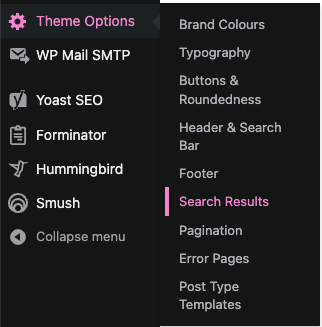
Anchor allows administrators to control what the results page looks like via the ‘Theme Options > Search Results’ settings page.
This settings page provides two sets of options, ‘Page Settings’, where the page’s background colour, along with heading colour may be set, using predefined colours configured within the Brand Colours.
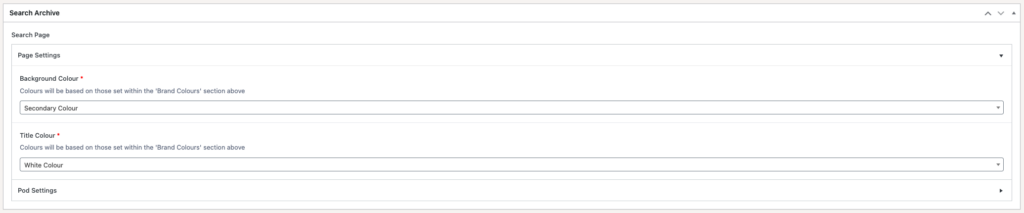
As well as pod, where items such as the pod style, pod colours, and button style/colours may be configured.

The theme offers a number of pod styles to choose from, namely:
Full width image above title and excerpt
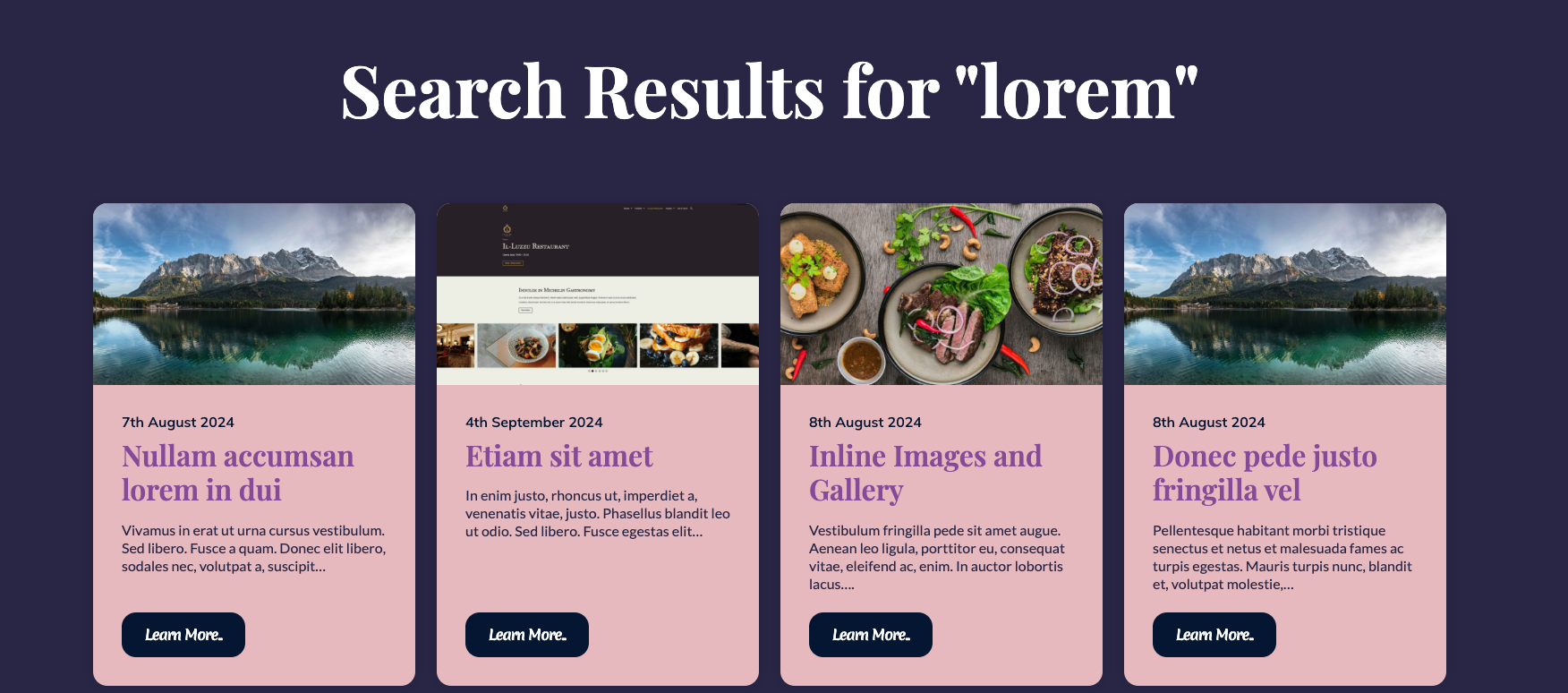
Contained image above title and excerpt
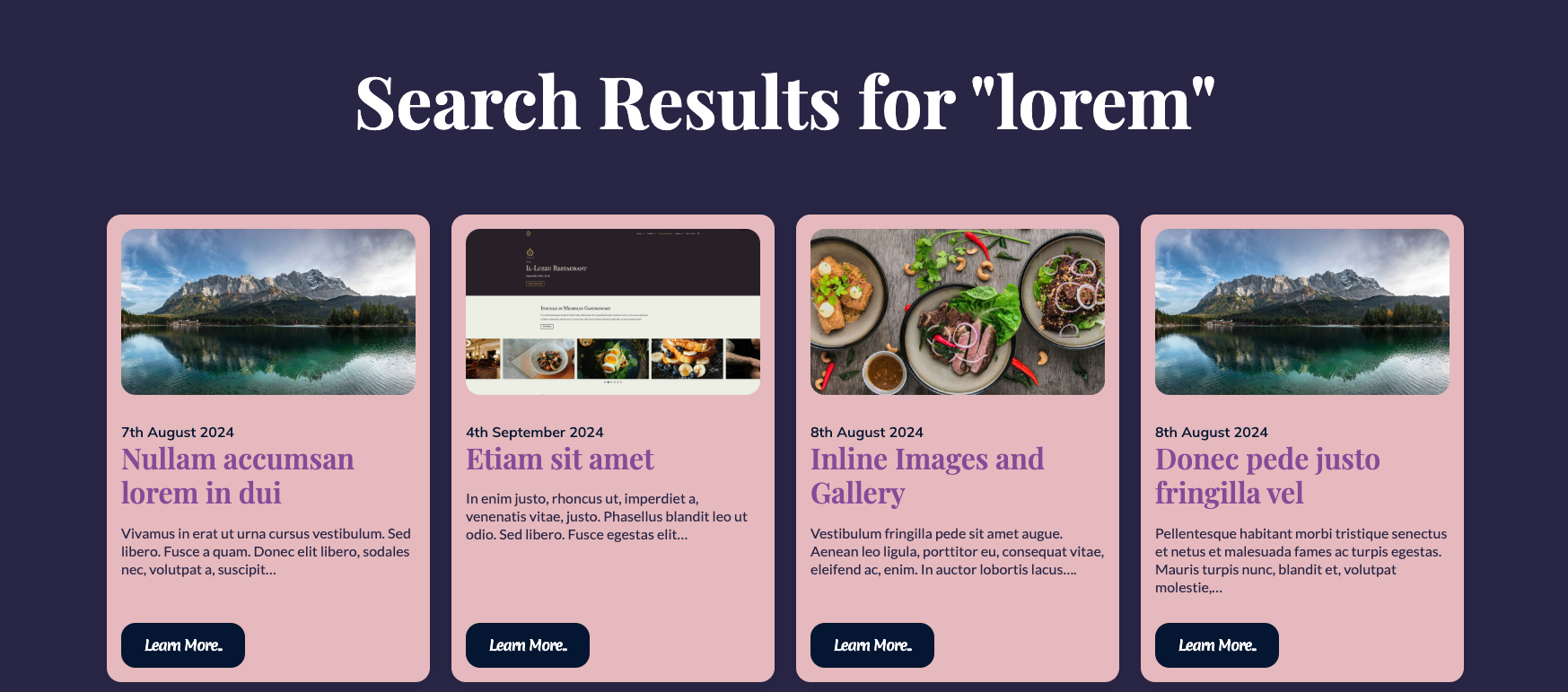
Background image behind title and excerpt
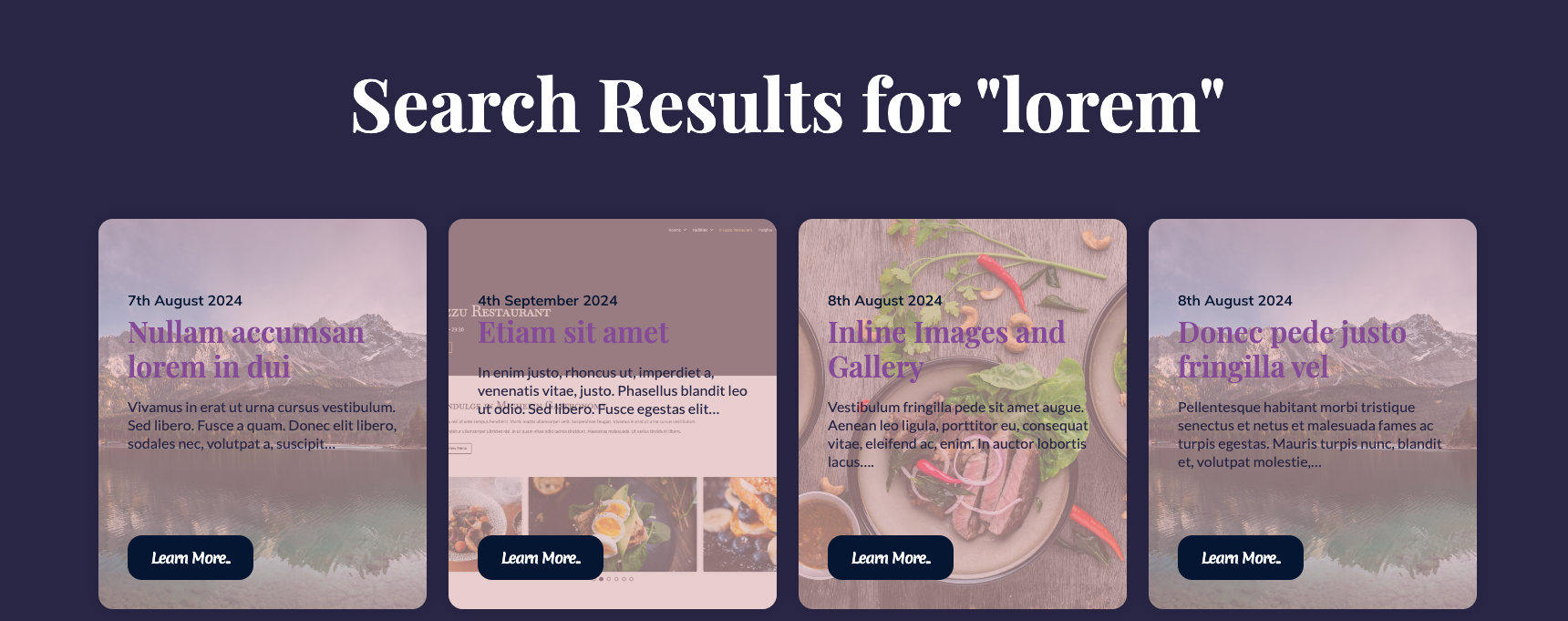
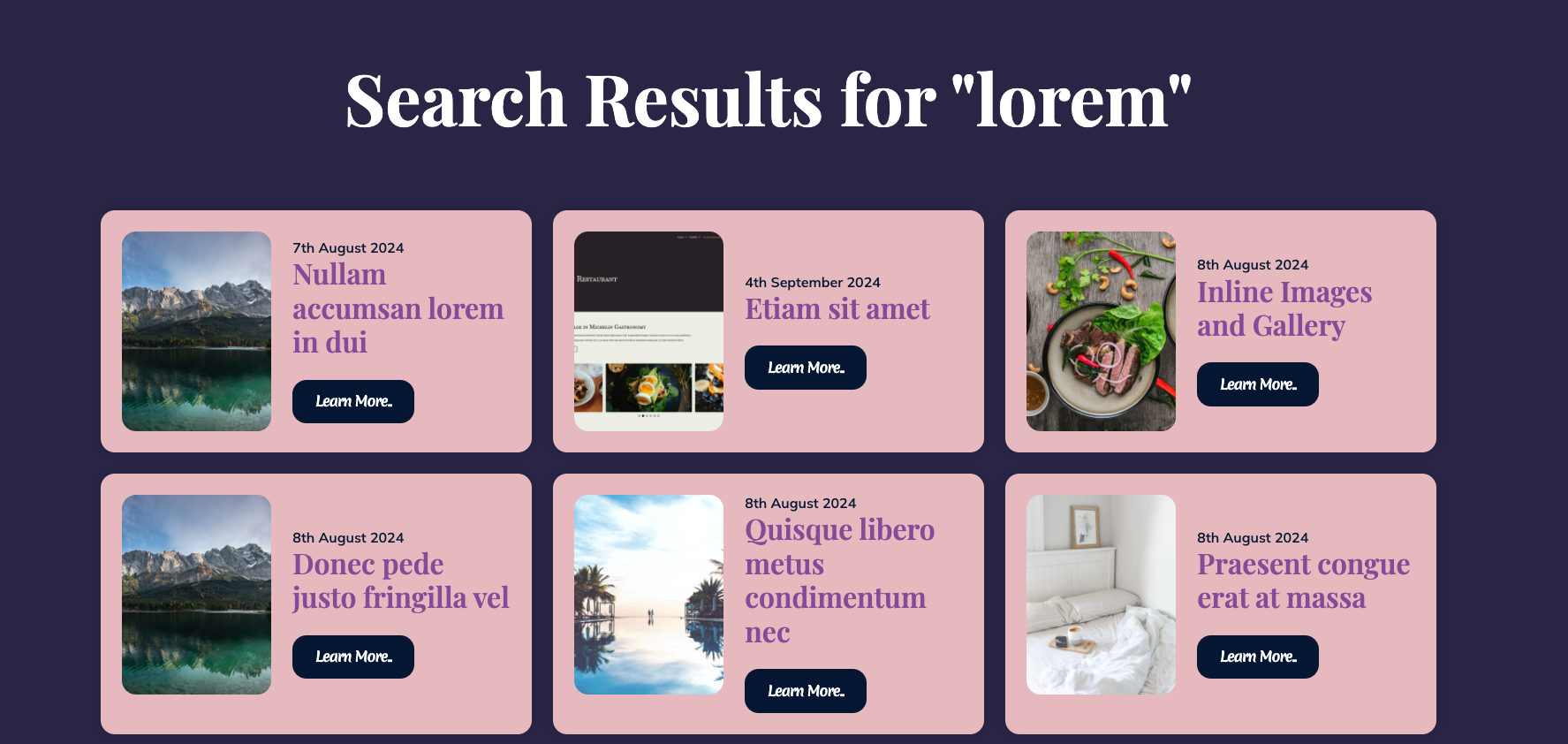
Image to the left of title and excerpt
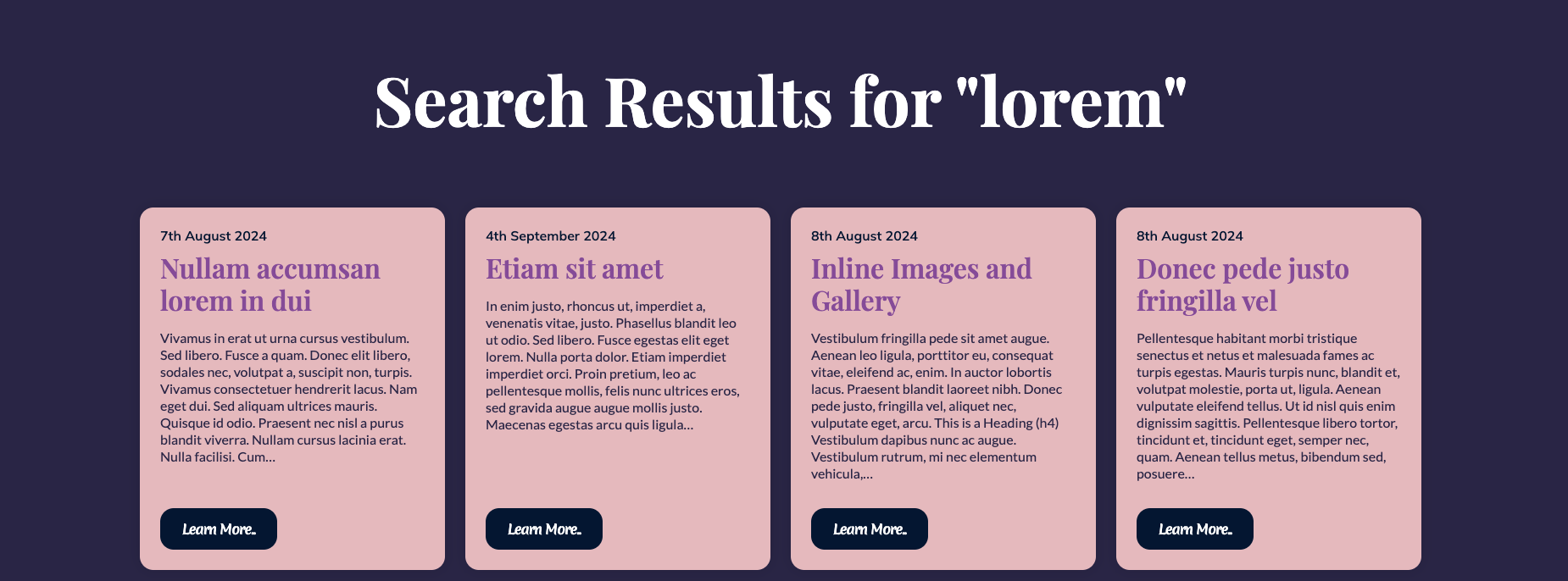
Simple, no featured image
Once the desired changes have been made, remember to select the ‘Update’ button at the top-right of the screen to apply those changes to the frontend.