
Pagination
Depending on the number of results, and number of results configured to show per page; posts, projects, and search archives may include pagination prompts at the bottom, which look similar to the below:

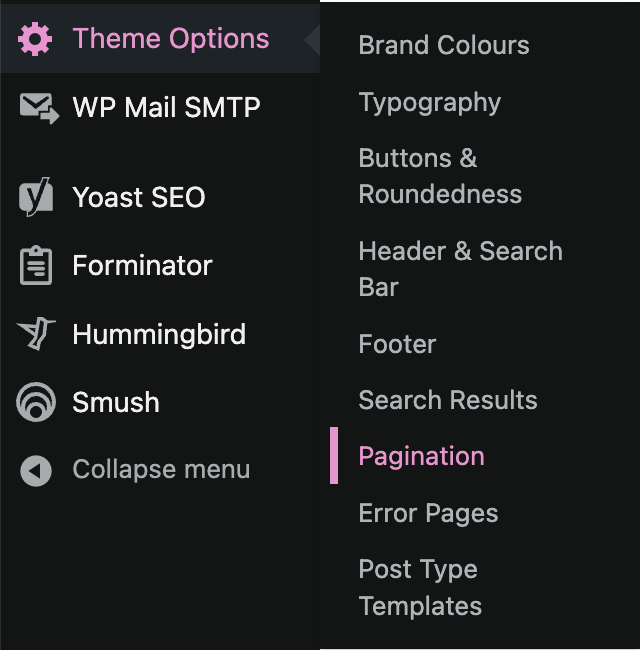
Pagination styling may be configured through the ‘Theme Options > Pagination’ screen, where text and background colours for the various states (normal, active, hover) may be configured via colour wheels.
Other configurable options include font to use for page numbers, font size, and font weight.
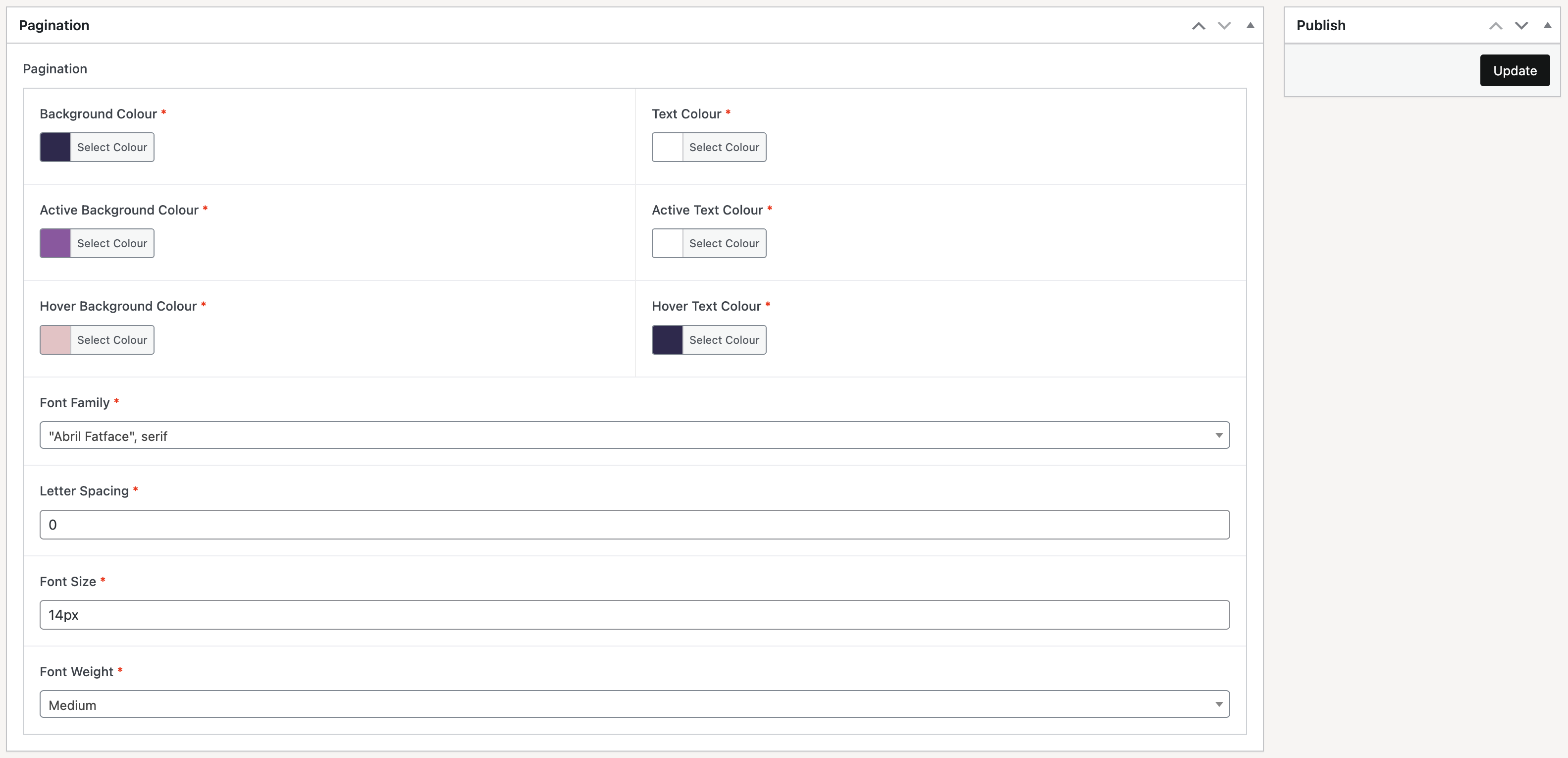
Once changes have been implemented, click on the ‘Update’ button at the top-right of the page in order to apply these changes and make then visible on the frontend.