
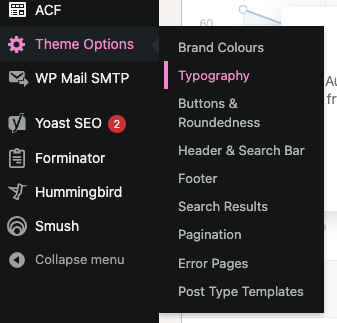
Typography
The ‘Typography’ section within ‘Theme Options” allows administrators to configure all font facets for all headings and font styles within the site, including font sizes, line height, font weight, letter spacing, and font family.
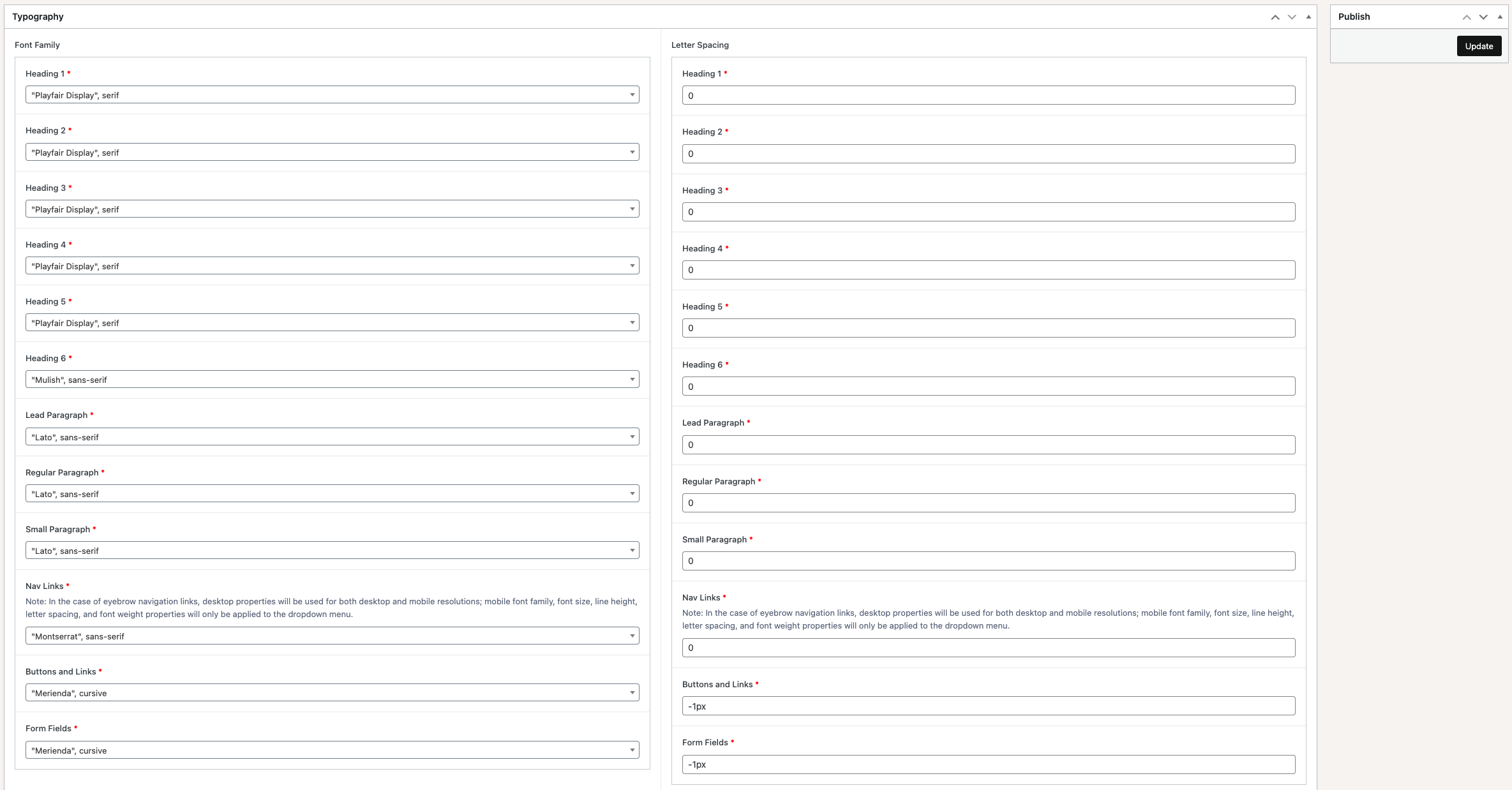
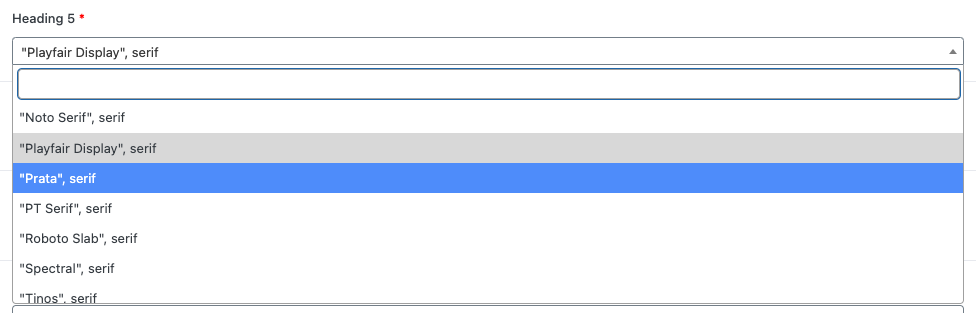
‘Font Family’, which may be configured independently for all heading styles, paragraph styles, and buttons, may be set to any of a large collection of fonts available through Google Fonts. Due to Font Foundry licensing restrictions, we are unable to include any font families which are not hosted on Google Fonts. While we have listed a wide range of Google Fonts, we may have missed a few. If you would like to use a particular Google Font which for one reason or another is not available within the theme, reach out with that font’s Google Fonts link and we will do our best to introduce it.
Certain font properties, such as font size, line height, and font weight may be configured for both desktop and mobile properties, this provides the ability to have a font style (e.g. Heading 2) visible in one particular font size on desktop, and a slightly smaller font size on mobile.

Once you are done configuring typography settings, remember to click on the ‘Update’ button at the top-right of the screen in order to save any changes.